

A good dance studio website gets a parent from a Google search to a booked trial class in a few minutes, on a phone, often after the kids are in bed. It does that with five things: a schedule parents can read by age, a short trial-class form, prices and policies in plain view, proof that their child will be safe and well taught, and a Google Business Profile that puts you on the map for “near me” searches.
The same goes for martial arts schools, gymnastics and cheer gyms, swim schools and music schools. Parents everywhere ask: Is there a class for my kid’s age? When? How much? Who teaches it? How do we try it? Here is how to answer each, plus a launch checklist.
Key takeaways
- Organize classes by age first. That is how parents search.
- Put the schedule on the page as real text, never as a photo or PDF of a flyer.
- Use one main button everywhere, “Book a trial class”, and a short form.
- Publish tuition, fees and policies. Hidden prices read as a warning sign.
- Trust comes from specifics: instructor bios, safety rules, real class photos and Google reviews.
- Local SEO starts with a complete, verified Google Business Profile.
What should a dance studio website include?
Most activity-school sites need the same eight sections. A three-page site with a clear schedule beats a twelve-page site where the schedule is buried.
| Page or section | What parents need to find there | Common mistake |
|---|---|---|
| Home | What you teach, for which ages, where, and a trial button | A recital slideshow with no next step |
| Programs | Ages, level and what kids learn | Cute program names with no ages |
| Schedule | Every class by age, level, day and time, with a button to try it | A photo of the printed timetable |
| Pricing and policies | Tuition, fees, makeup and cancellation rules | “Contact us for pricing” |
| Trial class | A short form and a clear “what happens next” | A generic contact form asking for “your message” |
| Instructors | Faces, names, training and what each person teaches | Stock photos, or no photos at all |
| New families | First-class guide, dress code, drop-off and pick-up | Answers scattered across old social posts |
| Contact | Address with a map link, parking, tap-to-call phone | A phone number you can’t tap on a phone |
Martial arts schools usually add a page on belt testing. Gymnastics, swim and music schools need a placement guide that explains each level in plain words, so parents can choose without calling.
Make the class schedule the easiest thing on the site
The schedule is the page parents return to all term, so treat it as the center of the site.
Put it in real text. A timetable posted as a JPG or PDF is hard to read on a phone, can’t be read aloud by a screen reader and gives search engines nothing to index. The W3C’s accessibility guidelines ask for real text instead of images of text whenever text can achieve the same look.
Sort by age, then level, then day. Parents think “classes for my 6-year-old”, not “Tuesdays at 4:30”. Let them filter by age with one tap, and give every class its age range, level, time, instructor and a “Try this class” button that opens the trial form with that class preselected.
Let staff update it. If only your web developer can edit the timetable, it will drift out of date. Use a simple editor, or pull the schedule from your studio software.
Turn the trial class into a two-minute decision
The trial class is where a visitor becomes a student. Make the path short and obvious.
- One main call to action. Use the same words, such as “Book a free trial class”, in the header, on every program and at the end of every page. On phones, a slim bar fixed to the bottom keeps it in reach.
- Ask for the minimum. Parent name, email, phone, child’s first name and age, and the class. Waivers, medical notes and payment can wait for registration. Google’s web.dev guidance says to ask only for what you need and to use the right input types (
email,tel) andautocompletevalues, so phones show the right keyboard and fill in saved details. - Write the form for the parent. A site directed at children that collects personal information from kids under 13 falls under the FTC’s COPPA rule and its parental-consent requirements. A studio site has no reason to take that on. Our guide to educational browser games covers COPPA in more depth.
- Reply instantly, then follow up. An automatic email confirms the class and explains the first visit: what to wear, where to park, when to arrive. Send a reminder the day before and an enrollment link right after the class.
On Lumio Learning, a Lab concept we built for an invented online school, the trial form asks only for the kid’s age, a first subject and a parent email, then suggests three classes that week. Booking a trial should feel like choosing a class, not filling in paperwork.
Connect the form to your booking software
Most studios already run registration and billing in studio management software. Your website should hand families over to it cleanly, not replace it.
| Setup | Best for | Watch out for |
|---|---|---|
| Trial form with an automatic reply, sent to your inbox or CRM | Studios that call every new family personally | Someone has to follow up quickly, every time |
| Booking calendar on your own site | Trials in fixed slots, free or paid | Keeping open spots in sync with real class sizes |
| Link to, or embed of, your studio software’s registration portal | Studios that already handle enrollment and billing there | Some embedded widgets are slow or cramped on phones, so test first |
Either way, describe each program in text on your own pages, so parents and search engines see it even if a widget is slow.
Should you post prices on your dance studio website?
Yes. Parents often compare a few studios before they book, and the one that hides its prices is the hardest to choose. Nielsen Norman Group counts being upfront about pricing, fees and policies among four factors that make a website feel trustworthy.
If tuition varies, skip the calculator and show prices for common cases, as NN/g has long recommended for complex pricing: one class a week, two a week, the sibling discount. Then list the costs that surprise families later:
- Registration or annual fees
- Recital costume fees, or belt testing and uniform fees
- Competition team costs
- Contract length, how to cancel and your makeup-class policy
Publishing all this also means fewer of the same questions by phone.
What trust signals do parents look for?
Parents are handing you their child. They want specifics.
Instructors. Real photos, names, training and the classes each person leads. If staff hold first-aid certification or pass background checks, say so, and claim only what is true.
Safety and supervision. Explain drop-off and pick-up, who may collect a child, whether parents can watch and your class-size cap. A martial arts school should say when sparring starts and what gear is required; a swim school, its instructor ratio at each level.
Reviews from outside your site. The same NN/g article notes that people give more weight to reviews on independent platforms than to testimonials a business picks for itself. Link to your Google reviews and reply to them; Google lists responding to reviews among the ways to improve local ranking.
Real photos of real classes, with permission. Stock photos of someone else’s ballet class prove nothing. Show your floor, your instructors and your students. Add a photo and video release to registration, let families opt out and leave children’s full names off the site.
Lumio Learning lists its safety rules in one scannable block: background-checked teachers, two adults in every live class, no private messages between kids. Your rules will differ; state them just as plainly.
Build it for the phone, because that’s where parents decide
Many parents first see your site on a phone, and Google indexes and ranks pages using their mobile version.
- Big, well-spaced buttons. WCAG 2.2 sets a minimum target size of 24 by 24 CSS pixels. Treat it as the floor: main buttons should be easy to hit with a thumb.
- Tap to call, tap for directions. Phone numbers should be links, and the address should open a map app.
- Fast pages. Compress photos, give videos a poster image and don’t autoplay a heavy video at the top. Google’s Core Web Vitals are a good yardstick.
- The two-minute test. Ask a friend who has never seen your site to book a trial for a 7-year-old on their phone. Watch without helping. Every hesitation is something to fix.
Local SEO for dance studios and martial arts schools
Parents search “dance classes near me” or “kids karate” plus their town. Google says local results depend on relevance, distance and prominence, and that you can’t pay for a better local ranking. You can’t change distance, but you can work on the other two.
- Claim and verify your Google Business Profile. Fill in every field, including categories, holiday hours and photos.
- Add a booking link. Business Profiles accept appointment booking links. Point yours at the trial-class page.
- Give every program its own page. A detailed page for “Ballet for ages 3 to 5” is a precise match for “toddler ballet near me”. Don’t clone near-identical pages for every nearby town: Google treats pages made only to catch city searches as doorway abuse.
- Add structured data. LocalBusiness markup gives Google your address, phone and hours in a form it can read. Schema.org has no dance-studio type, so LocalBusiness itself is a sound choice.
- Keep your name, address and phone identical on your site, your Business Profile and every directory.
- Collect reviews steadily. Ask after a good moment, like a first recital or a belt test, and reply to every review.
Launch checklist for a dance studio or martial arts school website
- The first screen says what you teach, for which ages and where, with a trial-class button.
- Every class is in real text with ages, level, day, time and instructor, filterable by age.
- Each class has a “Try this class” button that preselects it in the form.
- The trial form has about six fields, correct input types and autofill.
- A confirmation email goes out automatically with first-visit instructions.
- Tuition, fees and policies are published.
- Instructor bios have real photos and accurate credentials.
- Safety rules are written down, and every class photo has a signed release.
- Phone numbers are tap-to-call; the address opens in maps.
- Nothing scrolls sideways on a small phone, and pages load quickly on cellular.
- Your Google Business Profile is verified, complete and links to the trial page.
- LocalBusiness structured data passes Google’s Rich Results Test.
- A test request reaches the right inbox, and trial sign-ups are tracked in analytics.
- Old URLs redirect to new ones (see our website redesign checklist).
How we build websites for schools and studios
At Doris Studio we build websites for kids’ activity schools: dance studios, martial arts schools, gymnastics and cheer gyms, swim schools and music schools. Packages are fixed-price from $500, with an optional monthly care plan, a 50% deposit to start and the balance at launch. Depending on the package, you edit the schedule, prices and photos yourself, take trial sign-ups with an automatic reply or bookings on a real calendar, and get local SEO with your Google Business Profile connected.
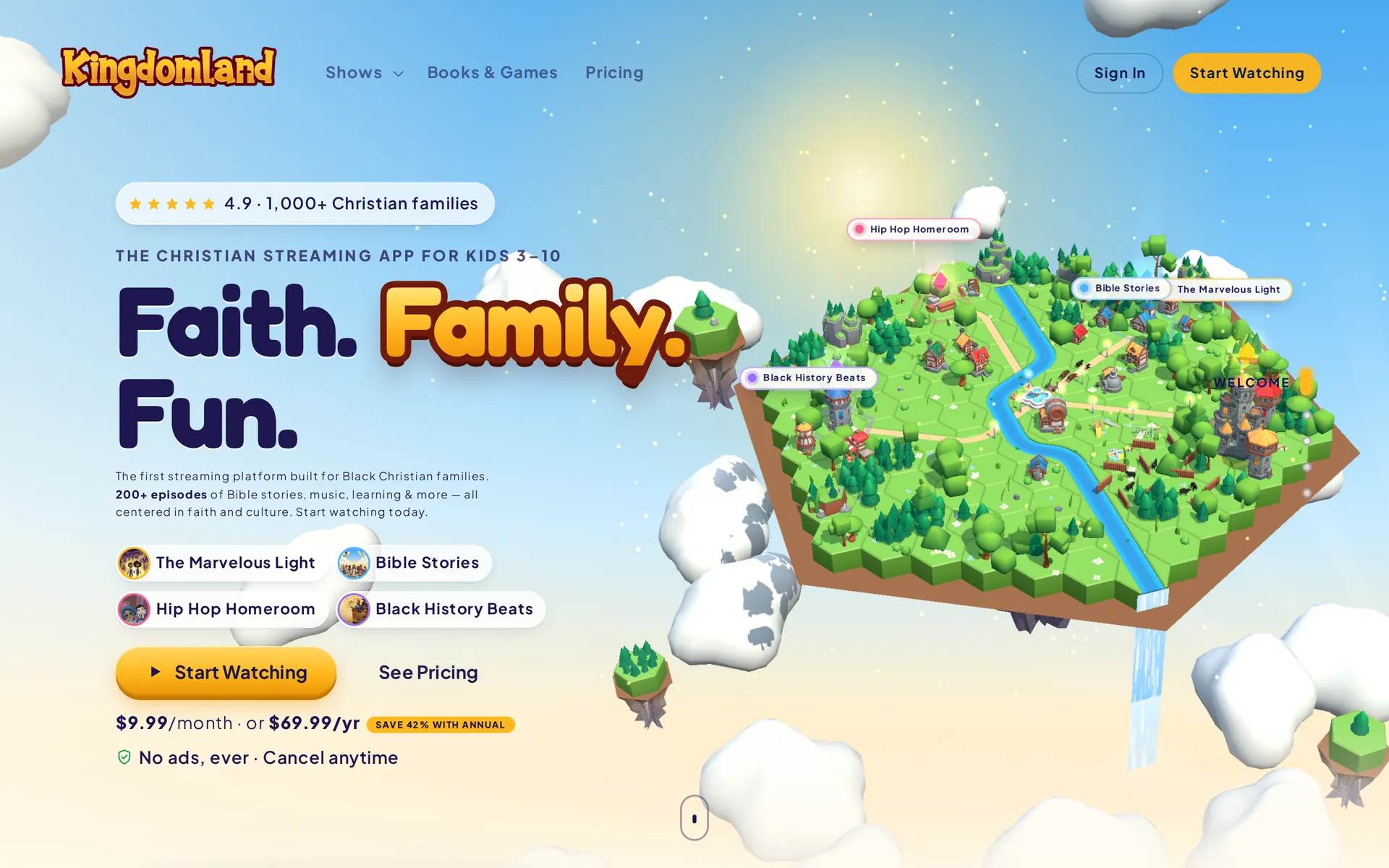
Do you need 3D? Not for the main job. But if every studio in town looks alike online, a small 3D moment, like your stage or dojo as a little world parents scroll through, can make yours memorable, as long as the schedule and forms stay plain HTML. On Lumio Learning, four planet-islands orbit a glowing core while the class list and trial form load as ordinary page content. See our 3D websites and how we keep 3D fast on phones.
Send us your current website and we’ll start with a free concept, one modern 2D direction and one immersive 3D, built from your own logo, photos and words, so you see your new site before you pay anything.
Frequently asked questions
What should a dance studio website include?
At minimum: a home page that says what you teach, for which ages and where; a schedule in real text sorted by age; prices and policies; instructor bios with real photos; a short trial-class form; and contact details with a map link and tap-to-call phone number. A page for new families covering dress code, drop-off and the first class saves a lot of phone calls.
Should I list prices on my dance studio website?
Yes. Parents compare studios before they book anything, and hidden prices make yours harder to choose. If tuition varies, show prices for the common cases, such as one or two classes a week, and list registration, costume or testing fees so nothing surprises families later.
How do I get more trial-class sign-ups from my website?
Use one trial-class button on every page, let parents start from a specific class in the schedule, and keep the form to about six fields. Send an automatic confirmation with first-visit instructions, a reminder the day before and a follow-up with an enrollment link after the class.
How can my martial arts school show up in near me searches?
Claim and verify your Google Business Profile, fill in every field including hours and categories, add photos and a booking link, and reply to reviews. Google says local results depend on relevance, distance and prominence, and that you cannot pay for a better local ranking.
Can I post photos of students on my studio's website?
Use photos only with written permission from a parent or guardian. Many studios add a photo and video release to registration, let families opt out, and leave children's full names off the site. Real class photos build far more trust than stock images.
How much does a dance studio website cost?
It depends on the number of pages and features such as online booking, payments and an editable schedule. At Doris Studio, fixed-price packages for schools and studios start at $500 with an optional monthly care plan, and you see a free concept before you pay anything.
Sources
- Understanding SC 1.4.5: Images of Text, W3C WAI
- Sign-up form best practices, web.dev (Google)
- Complying with COPPA: Frequently Asked Questions, Federal Trade Commission
- Trustworthiness in Web Design: 4 Credibility Factors, Nielsen Norman Group
- Show Prices for Common Scenarios, Nielsen Norman Group
- Mobile-first indexing best practices, Google Search Central
- Understanding SC 2.5.8: Target Size (Minimum), W3C WAI
- Web Vitals, web.dev (Google)
- Tips to improve your local ranking on Google, Google Business Profile Help
- Manage your local business links, Google Business Profile Help
- Spam policies for Google web search: doorway abuse, Google Search Central
- Local Business (LocalBusiness) structured data, Google Search Central

Founder and creative director of Doris Studio. Doris designs and builds immersive 3D websites, brand sites, browser games and learning worlds for clients in the US and worldwide, and leads creative at SentryX. About Doris · See the Lab